An Everything App for Your Tasks and Projects
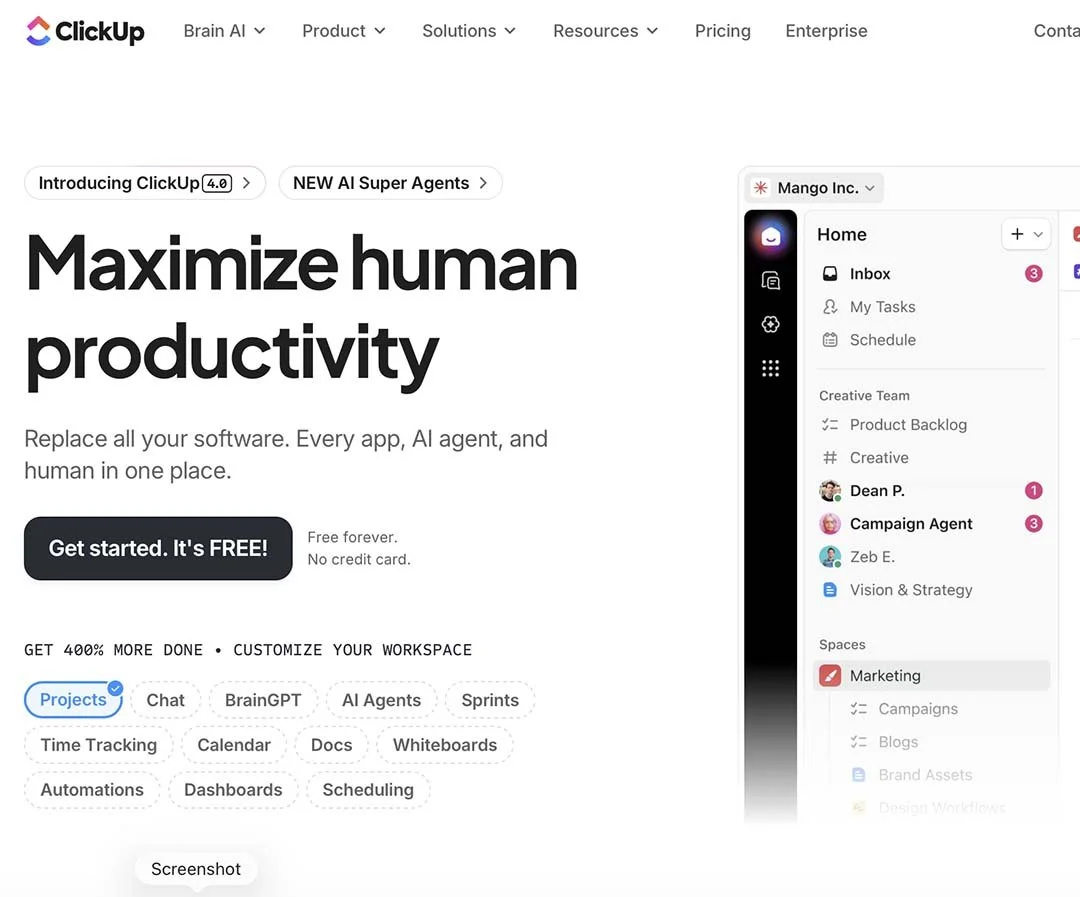
ClickUp is a great all-around project manager with a bit of a learning curve, but it's absolutely worth it. I've watched countless people bounce from Trello to Asana to Notion, always hitting some wall where the app just can't do what they need. ClickUp is where that journey ends for most of us who need serious flexibility.
I use ClickUp to manage everything from my personal and home projects to coordinating teams across multiple businesses. It's become the single source of truth for what needs to happen and when. And here's the thing: once you dial it in, you will likely feel less stress, because you have a trusted system to unload these tasks from your brain.
It Can Do Tasks and Projects Any Way You Can Imagine
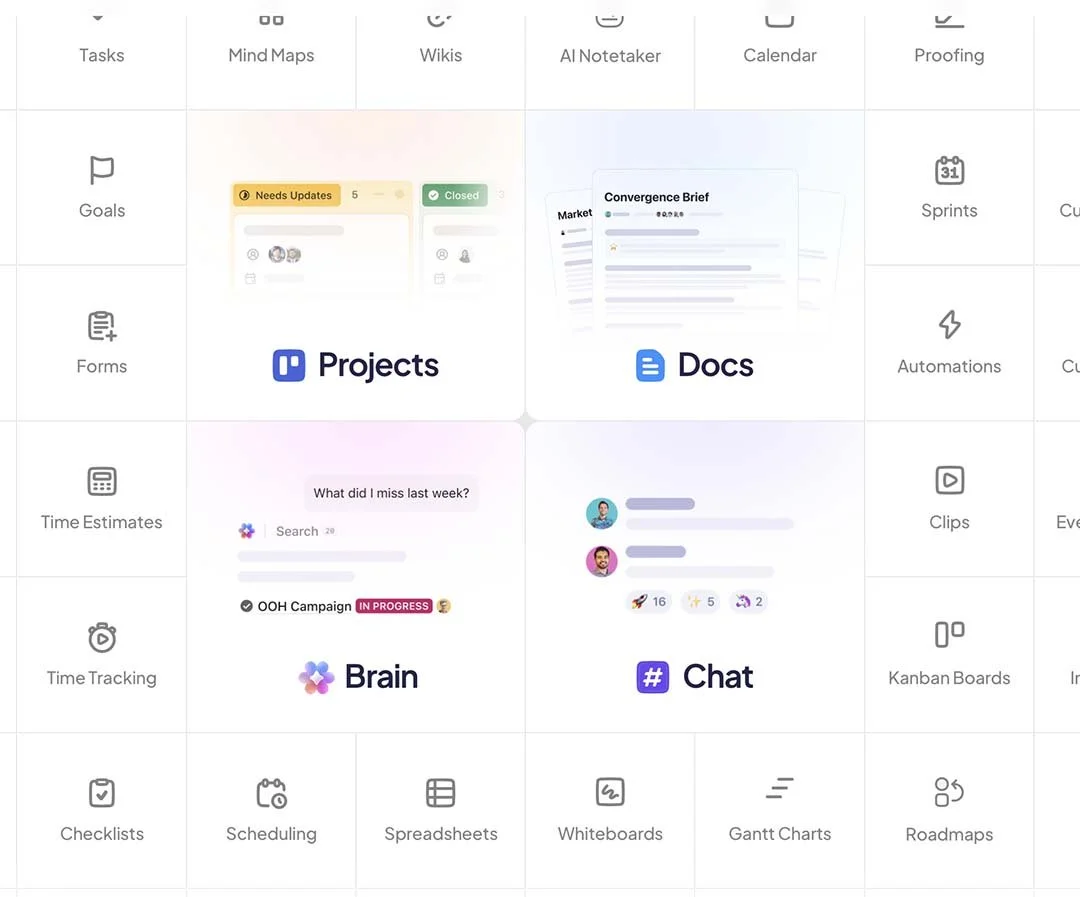
The real superpower of ClickUp is that it bends to fit your brain, not the other way around. Need a simple to-do list? You got it. Want Kanban boards? Check. Prefer Gantt charts for timeline planning? It handles that too.
You can view the same set of tasks as a list, a board, a calendar, or even a mind map. This means your designer can look at projects one way while your project manager sees them completely differently. Same data, different views, everybody's happy.
Yes, It Looks Overwhelming at First
I won't sugarcoat it: when you first open ClickUp, it can feel like sitting in an airplane cockpit. There are buttons and options everywhere. My first reaction was "this is way too complicated for what I need."
But here's what I learned: you don't need to use everything at once. Start with basic tasks and lists. That's it. As you get comfortable, you'll naturally discover features that solve problems you're actually having. ClickUp grows with you instead of forcing you into a rigid structure the beginning.
The customization options mean you can hide everything you don't use. Within a few weeks, my ClickUp looked nothing like the default setup, and it felt completely natural.
The Free Plan Actually Works
ClickUp's free plan is surprisingly robust. You get unlimited tasks and unlimited members, which already puts it ahead of many competitors. For a small team or personal use, you might never need to upgrade.
The paid plans start at reasonable prices and include AI features that can write task descriptions, summarize comment threads, and even suggest subtasks. I held off on the AI stuff at first, but it can help organize things.
Templates Make Everything Faster
Here's where ClickUp really shines for busy people: templates. Instead of rebuilding your weekly planning structure or your client onboarding process every time, you save it as a template and deploy it with one click.
I have templates for software migration, home projects, and even my client portals. Each one has all the tasks, assignees, and due dates already mapped out. I just duplicate and adjust.
ClickUp has a huge template library too. Someone has probably already built a framework for whatever you're trying to accomplish.
Beyond Project Management
ClickUp includes time tracking, goal setting, dashboards, and even basic document editing. It's positioning itself as an operating system for work. While I still use dedicated tools for email and complex spreadsheets, ClickUp handles about 80% of what a small business needs to run effectively.
Tech Tip
Start with ClickUp's "Everything" view set to show only your tasks due this week. This gives you a focused starting point without the overwhelm of seeing every possible feature. Once that feels comfortable, add one new view or feature per week.
Jim Hundley - AccentInspired.com - 727-346-6020